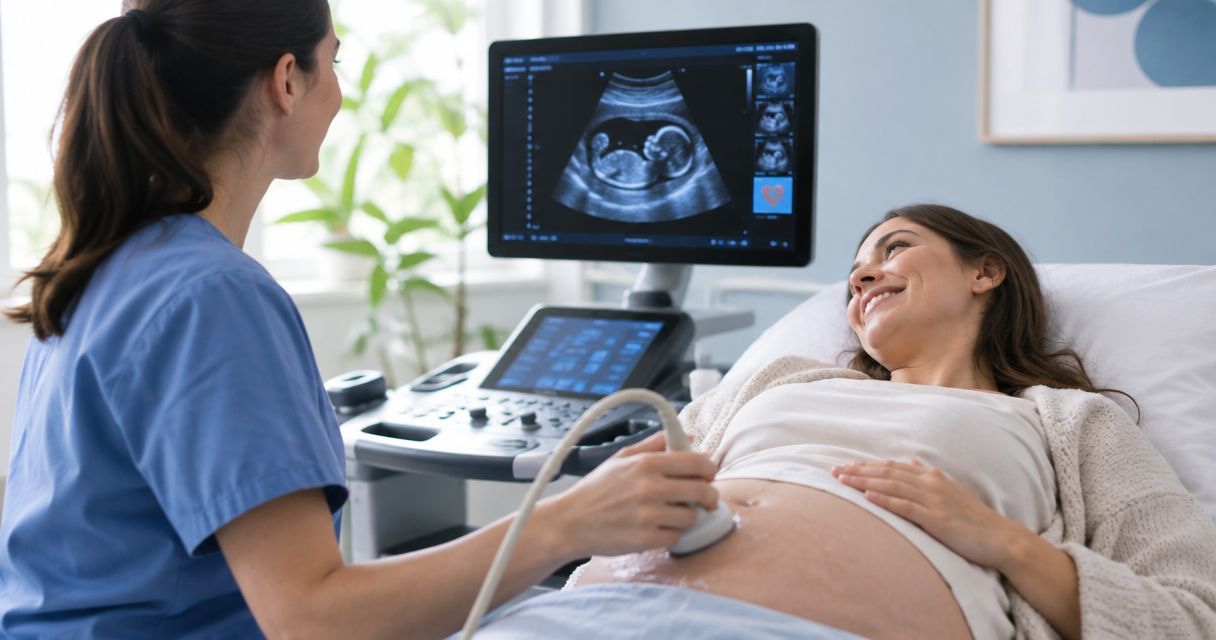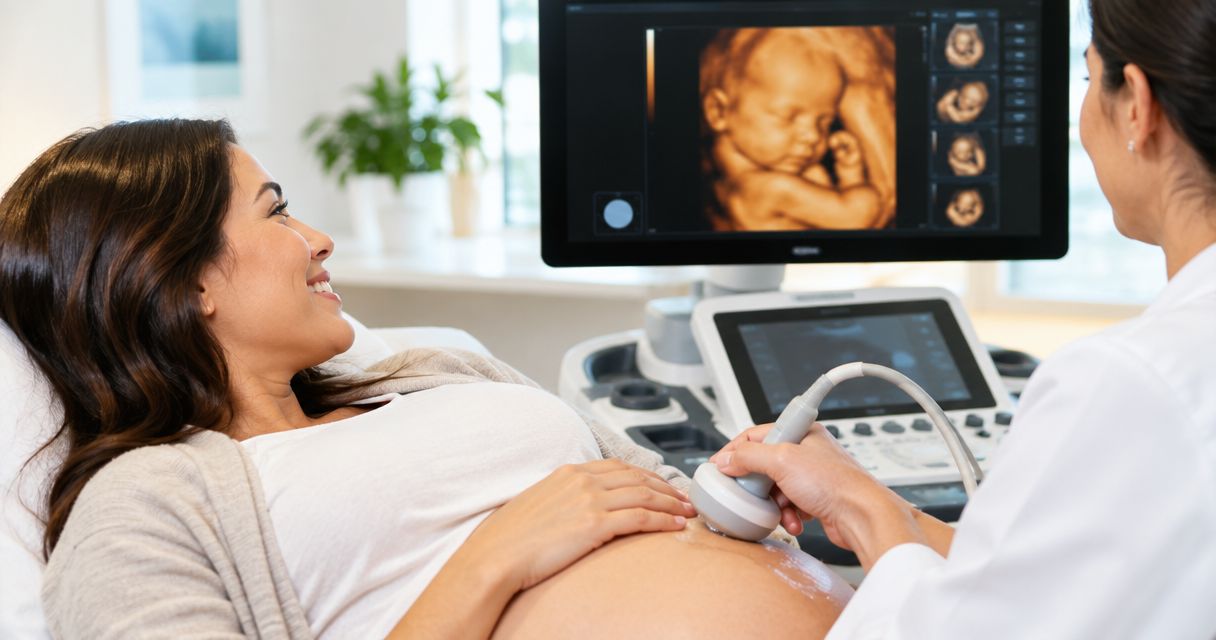
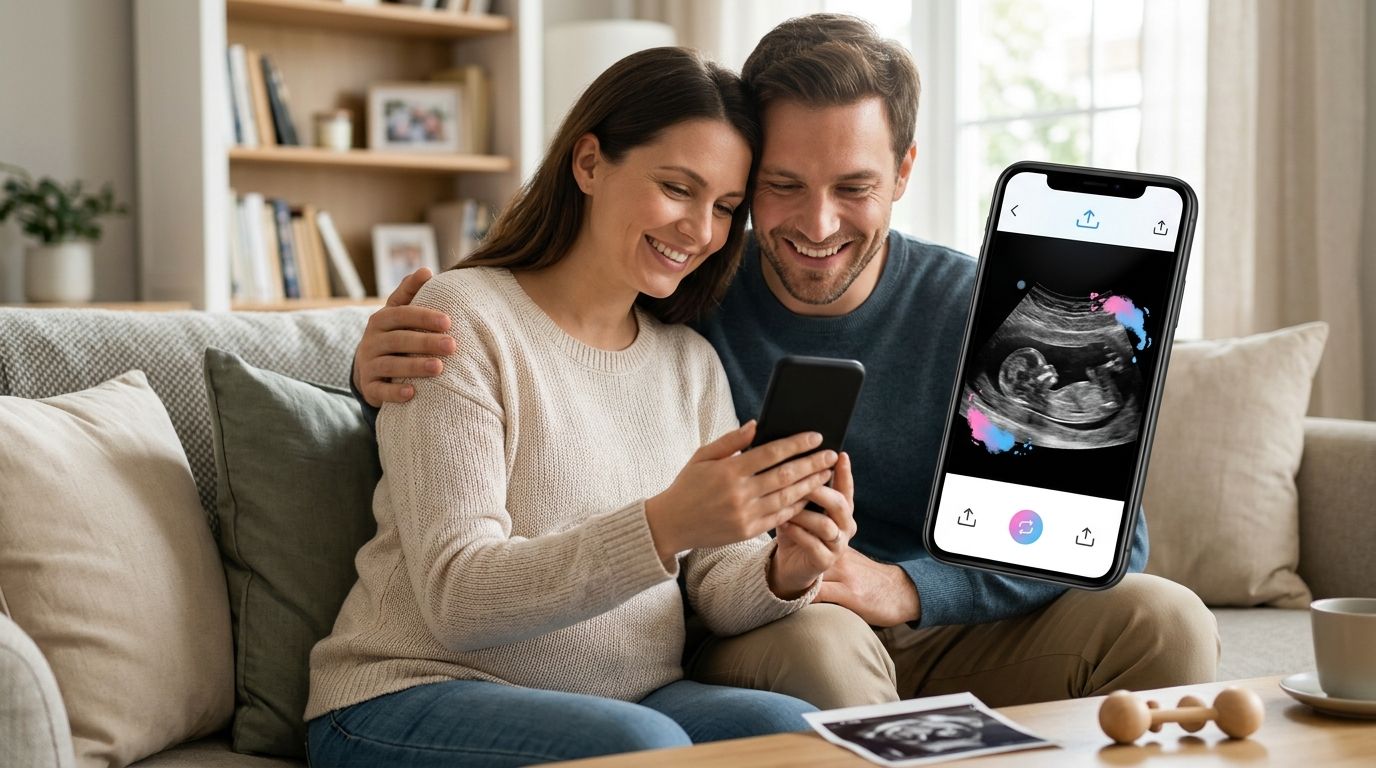
Getting a gender reveal ultrasound video from the scan room onto Instagram or TikTok without losing quality, cropping out half the screen, or waiting three days for a text message to send takes a specific workflow, not luck. Instead of manually converting files, guessing at aspect ratios, and re-recording your phone screen off the monitor, set up a same-day transfer and edit sequence so the clip goes from the ultrasound table to your feed in under an hour.
- Same-day digital transfer beats screen-recording every time for a gender reveal ultrasound video for social media.
- Crop to vertical 9:16 before you add music or captions, never after.
- Keep the raw clip under 60 seconds so Instagram and TikTok don't auto-compress it twice.
- A teaser countdown post before the full reveal video doubles engagement without extra editing work.
- Confirm gender clarity with your sonographer before you build the whole post around it.
Why this matters
A gender reveal ultrasound video posted straight from a screen recording looks blurry, has a black bar around the monitor, and often gets flagged by Instagram's algorithm as low-resolution content, which quietly limits reach. Families who get the file transferred properly and edited in the right order end up with a clip that looks like it belongs on the platform instead of one that looks stolen from a hospital hallway.
The fix isn't expensive software. It's sequencing: get the file, crop it, trim it, then decorate it. Skip a step out of order and you redo the whole thing.
Before you start
- Book a 3D/4D scan that includes digital video delivery. Not every ultrasound visit records video by default, and if same-day ultrasound photos and video delivery isn't set up before the appointment, you're stuck with a screen recording.
- Have your phone's storage cleared and Bluetooth or Wi-Fi transfer ready. A 4D video clip can run 200-500MB, and that's too large for a standard text message, which will compress it into a blurry mess.
- The gotcha nobody warns you about: ultrasound machines record in landscape (horizontal), and every major social platform in 2026 defaults to vertical 9:16. If you don't plan the crop before recording ends, you'll lose the baby's face or the gender-reveal number on the screen when you resize later.
Get your ultrasound video onto your phone
- At checkout, ask the sonographer to export the clip as an MP4 file rather than a proprietary DICOM format — MP4 opens natively on iPhone and Android without a converter app.
- Use the studio's same-day delivery method (AirDrop, secure link, or USB) instead of texting the file to yourself.
- Save the original file to your Camera Roll or Gallery before doing anything else — this preserves a clean master copy if an edit goes wrong later.
Expected result: the full-resolution clip sits in your phone's native video app, playable without buffering or pixelation.
Trim and format the clip for social media
- Open the video in your phone's built-in editor (Photos app on iPhone, Google Photos on Android).
- Trim the clip to under 60 seconds — anything longer gets auto-compressed a second time by Instagram and TikTok, which stacks quality loss on top of quality loss.
- Tap Crop, select the 9:16 vertical ratio, and center the frame on the screen readout that shows the gender determination, not just the baby's profile.
- Export the trimmed, cropped file as a new copy — never overwrite your original master.
Expected result: a vertical clip under 60 seconds with the gender-reveal moment centered and legible on a phone screen.
Add the reveal moment (music, caption, sticker)
- In Instagram's Reels composer, tap Add audio and choose a track licensed for Reels (avoid pulling audio from another creator's post — it can mute your upload).
- Add a text overlay with the due date or the family name using the Aa text tool, positioned in the top third so it doesn't cover the ultrasound screen.
- On TikTok, use the Stickers panel to add a countdown or heart-rate graphic if the platform offers a pregnancy template that month — these rotate seasonally.
- Write your caption before publishing, not after — captions written post-publish get far less algorithmic push on both platforms.
Expected result: a finished post with audio, text, and caption that plays cleanly start to finish without stutter.
Book your gender reveal scan
Same-day video delivery, private setting, Keller and Willow Park, TX.
Posting a teaser countdown before the full reveal
Some families post a short teaser — a blurred or paused frame with a caption like "Reveal drops tonight" — a few hours before the full gender reveal ultrasound video for social media goes live. This is a genuinely different workflow, not just the same clip cut shorter.
- Screenshot a single non-revealing frame from the trimmed clip (a face profile shot works, not the screen readout).
- Post it as a static image or Story with a countdown sticker.
- Schedule the full video post for 2-6 hours later, using the platform's native scheduling tool if available, or a calendar reminder if not.
Expected result: two posts instead of one, with the teaser driving return visits to your profile before the main reveal goes up.
Troubleshooting
- Video won't play after transfer. The file likely saved in a proprietary codec — re-export as MP4 from the studio's delivery portal or ask the sonographer for a re-export before you leave.
- File too large to upload. Compress inside your phone's Photos app settings before uploading rather than relying on the platform's auto-compression, which degrades quality more.
- Gender isn't clearly visible in the clip. This happens with fetal positioning at certain gestational ages — flag it with your sonographer during the visit so they can capture a second angle before you leave.
- Vertical crop cuts off the reveal readout. Re-crop from the original master file, not from an already-cropped copy — cropping a crop compounds the loss of frame.
- Audio goes out of sync after trimming. Re-export the trimmed clip once more before adding music; trimming apps occasionally desync audio tracks on the first pass.
Customize your workflow
Once the core post is live, most families extend the workflow rather than stopping at one clip. Pair the video with a printed keepsake by learning how to add ultrasound keepsake photos to your baby registry, or send grandparents something physical alongside the digital reveal using ideas from the SneakPeek gender test gifts for grandparents guide. Families near Fort Worth building a full reveal event around the scan can compare options in gender reveal ultrasound experiences near Fort Worth.
FAQ
What's the best format for a gender reveal ultrasound video for social media?
A vertical 9:16 MP4 clip under 60 seconds is the best format for Instagram Reels and TikTok in 2026. Longer or horizontal clips get auto-compressed twice, which lowers picture quality on both platforms.
Can I text an ultrasound video to my phone?
Texting works but MMS compression noticeably blurs 4D ultrasound footage. Same-day digital transfer through AirDrop or a secure link preserves the original resolution instead.
How early can an ultrasound reveal the baby's gender?
Anatomy scans around 18-20 weeks are the standard window for a visual gender check on ultrasound. Earlier confirmation is possible through a SneakPeek DNA test, which some families combine with a later ultrasound video for the on-camera reveal.
Is TikTok or Instagram better for a gender reveal post?
Instagram Reels tends to keep family audiences more engaged since most relatives already follow the account. TikTok reaches a broader audience faster but the post competes with unrelated content in the algorithm.
How do I crop an ultrasound video without cutting off the reveal?
Center the crop on the screen readout, not the baby's profile, before trimming the clip length. Cropping after trimming instead of before is the most common reason families lose the reveal moment.
Do I need special editing software for a gender reveal video?
No. The built-in editor on iPhone Photos or Google Photos handles cropping and trimming well enough for social posting. Third-party apps only help if you want transitions or multi-clip sequences.
Why does my ultrasound video look blurry after posting?
Screen-recording the ultrasound monitor instead of getting a direct file transfer is the top cause of blurry posts. Requesting same-day digital delivery at the appointment avoids the problem entirely.
One last thing
The families who get the cleanest reveal posts are the ones who ask about video delivery format before the appointment starts, not after the scan ends — sonographers can adjust the recording angle in real time if they know the clip is headed straight to Instagram.